Overview
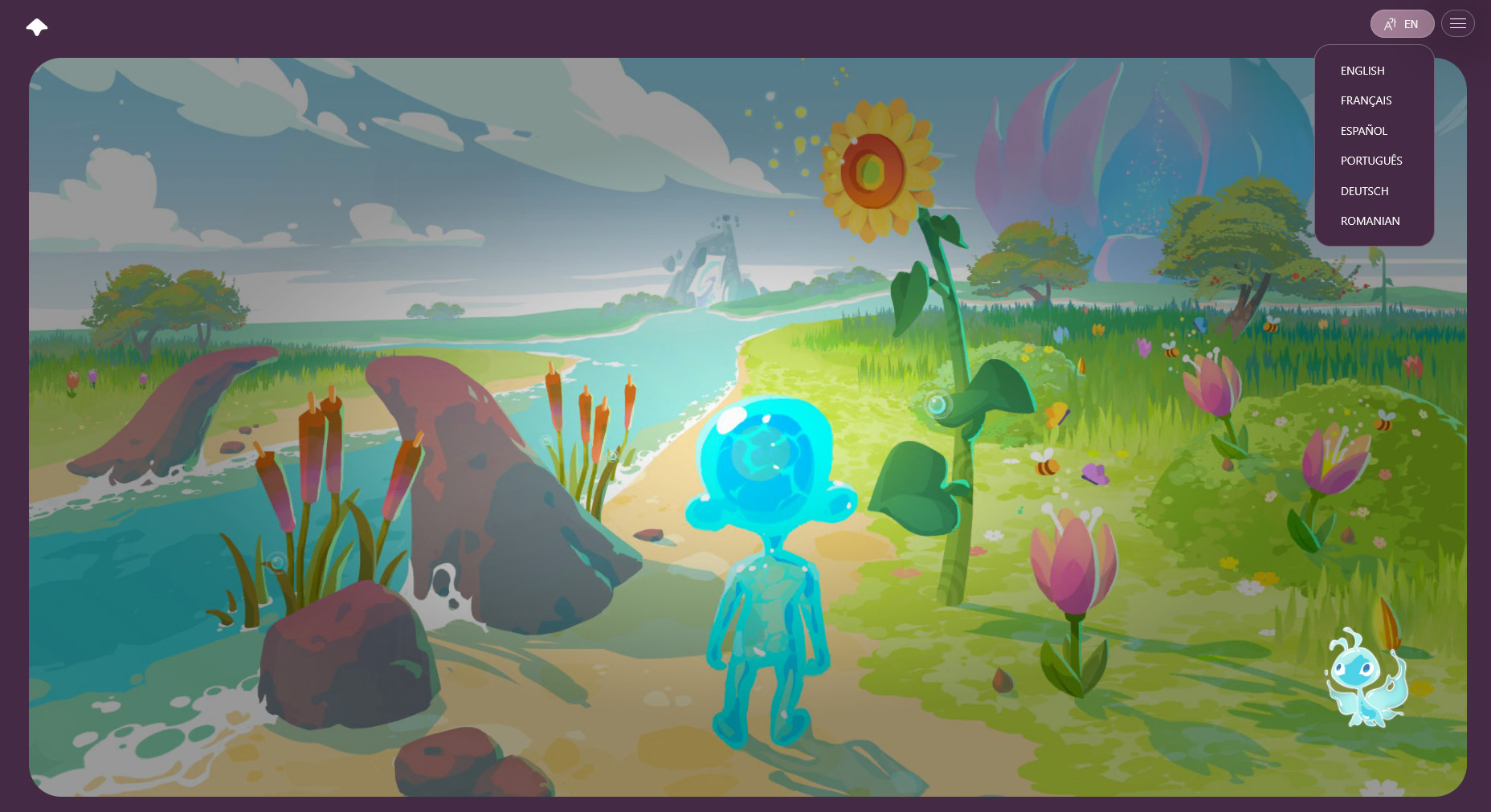
World Of Us - Web Preview is a short demo which introduces players to the charming universe of World Of Us (WoU), a game where players get to explore several cultures and biomes from around the world through fun interactions, puzzles and quests.
In the demo, players learn how to move through the environment, customize their water Avatar with fruits and vegetables typically found in the areas of the world we are representing, and they plant their first seed to kick off the rejuvenation of Blooming Springs.
Early decision: Use WebGPU
The WoU universe is rich in experiences triggered by players interacting with plants, animals and NPCs. Part of this richness comes from using Unity's powerful VFX Graph to create playful particle effects.
To achieve these unique custom behaviours, VFX Graph uses compute shaders, an advanced technology which is not supported by traditional HTML5 rendering APIs (WebGL 1 and 2). Luckily, Unity Technologies have been working on bringing in support for WebGPU to the Unity game engine, which is at the moment also being pushed by browser vendors as the next-gen, more powerful rendering API to replace WebGL. This API supports compute shaders, so it was our first choice to try it out instead of re-doing the effects.
We chose to go with Unity 6.5 because at the time it provided the best support for WebGPU. It proved to be the right choice, for multiple reasons which we'll dive into below. Suffice to say, the initial test showed that WebGPU, even though still marked as Experimental in Unity 6.5, was mature enough to make this demo possible.
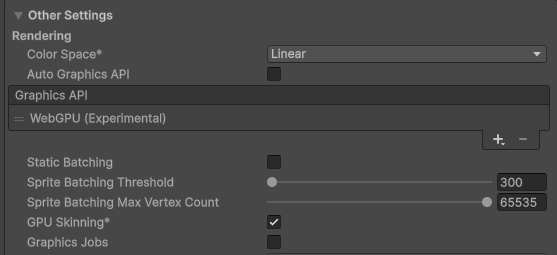
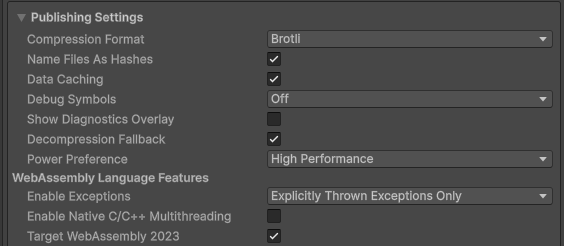
We also used:
- Brotli compression and data caching for the smallest possible download size
- Decompression fallback for situations where compression isn't available
- Web Assembly 2023 - Unity's support for newer WASM features such as SIMD support, native exception handling.
First steps: Building the demo
1. Re-architect the init code
The code in the full version of WOU makes use of async loading from local files. This offers the best performance on desktop and mobile platforms but it doesn't work well, or even at all (depending on the case) in HTML5. This meant we had to re-write parts of the initialization procedure for the web preview.
2. Remove unused content
The demo only includes the introductory experience, so we were able to remove the scenes which have nothing to do with it.
Even more so, we re-organized the FMOD banks such that only sounds and music scores associated with the 1st island, Blooming Springs, are being loaded.
3. Optimize
- Remove unused assets from Resources, since this is a trimmed down experience of the full game
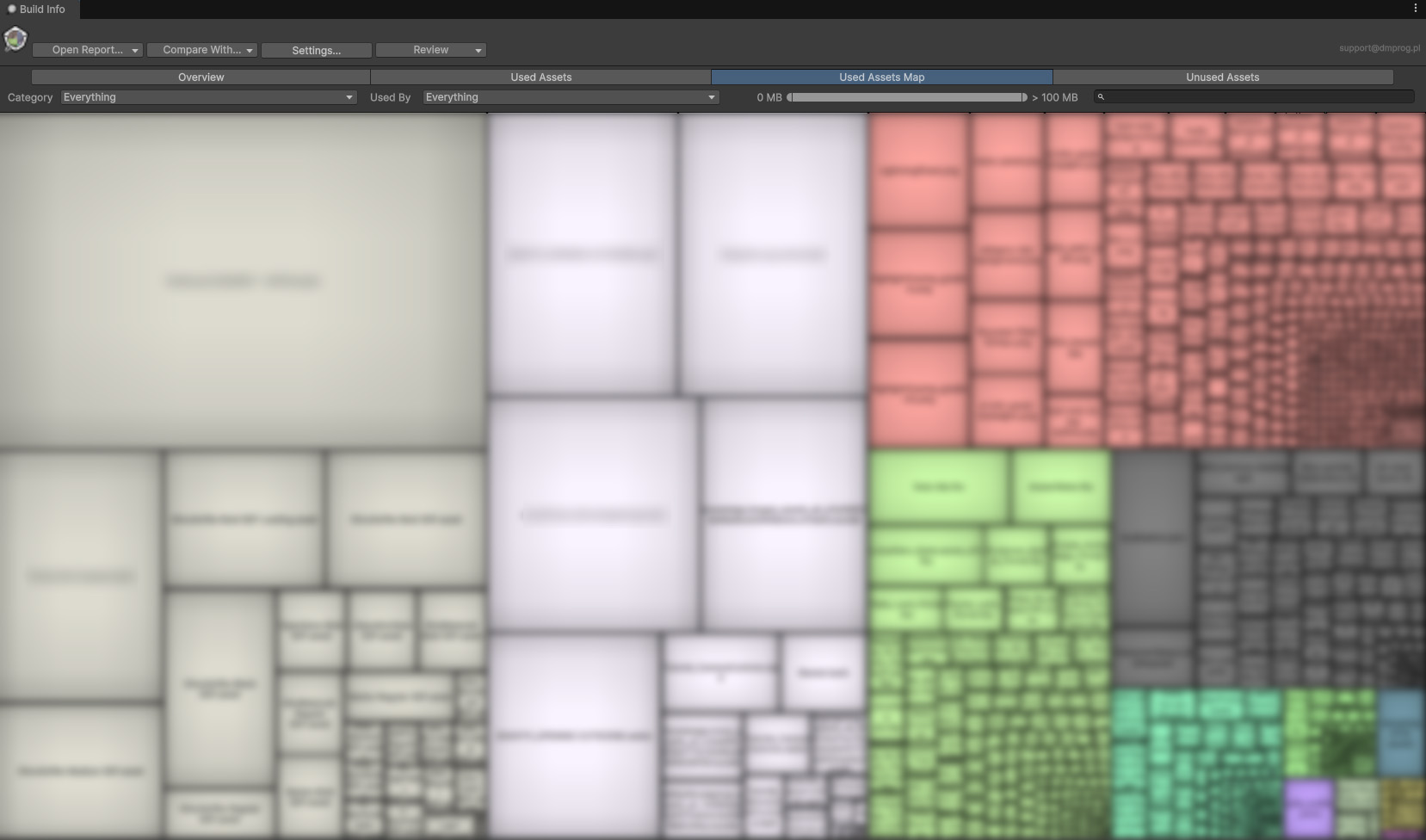
- Profile build size and ensure best possible compression for textures and audio files
- Reduce memory overhead from reflection code, better reflection caching - I2CPP and WASM can utilize huge amounts of memory compared to Mono.
4. Create customized HTML template
We customized the default Unity template to match WOU requirements and implemented a way for changing the localization from outside the build.
On load, the page reads the locale and sends the language code to the WebGPU build. During game play, a Javascript function reacts to the HTML5 language drop down and sends the chosen locale to the game. The game reacts to these messages to refresh the UI with the newly selected language.
Live localization updates
The game needed live updates to the text content, as more languages made their way in as we were getting closer to getting it published. Having a live sync to our internal CMS proved to be crucial for quick turnarounds. The localization teams could iterate quickly and verify texts live in the build which was already up, without needing a page refresh or new build.
On startup the game loads the language catalog that was embedded at the time of the build. This ensures there is at least a good starting point available as a fallback.
But the real magic is provided by a 'Fetch localizations' button available to localization and development teams. Pressing that button hits the CMS API to fetch the latest localization catalog, which replaces the embedded one. The whole UI reacts to the change, promptly updating the texts on screen.
Additional tooling and checks ensure that errors reported by the CMS are logged and reported, so the localization team can promptly address them.
Dealing with browser specific code
After deploying the build on a staging server, we began user testing and we quickly identified issues with running the game in a browser, and some issues which were specific to Safari and Firefox.
1. Cursor lock
When implementing a 3rd person game you often need to lock the mouse cursor to the center, so that the players can move their mouse to look around, without limiting the movement to the extents of the screen. Browsers need user action before they can lock the mouse cursor, so we introduced a splash screen which requires clicking to continue. This ensures that the user action happens and cursor lock can take place.
In the HTML5 template we also suppressed Safari specific errors that would show up way too often hindering the experience.
2. Audio issues
We tested various compression formats and FMOD settings to ensure that the audio playback is as smooth as it can be.
3. PSO Caching
The demo transitions from a dimly lit environment to a brightly lit one, when the lotus petals open up. The new directional light that gets enabled, triggers Unity to use a different set of shaders, which initially caused a serious jank because normally the shaders get compiled on the spot.
Luckily Unity has recently introduced the concept of Pipeline State Object caching. We recorded a run which included both the dim light and bright light scenarios, and we used it to pre-warm the shaders when the scene starts, removing the transition jank.
4. Open URL in the same tab
Initially we wanted to open up a new page with the main World Of Us URL as soon as the demo finished. Unfortunately, Safari in particular complained that Unity's OpenURL method acts like a pop-up and it was blocking the action.
We therefore created a javascript function that changed the current page's navigation to the desired URL, eliminating the problem:
WOU_NavigateToUrl: function (urlPtr) {
    var url = UTF8ToString(urlPtr);
    try {
        (window.top || window).location.assign(url);
    } catch (e) {
        window.location.assign(url);
    }
},
Deploying and further testing
After several bug hunting sessions and bug fixes, we were ready to deploy the build. For efficient delivery, we worked with the server team to make sure Brotli compression was available on the live server.
You can have a play with it here:
Let's turn your mission into an experience people engage with
If you're planning an impact campaign, training program, or public-interest tool, we can help you scope the right solution and deliver it end-to-end.